Forza Horizon 5 PC Update: Ray Tracing & DLSS/FSR 2 Boost Performance!
Hey everyone! I just got the inside scoop on the latest Forza Horizon 5 PC update that's dropping soon, and let me tell you, it's a game-changer for visual fidelity and performance. As a huge fan of racing games, especially the Horizon series, I'm always looking for ways to make the already stunning world of Mexico look even more breathtaking and run smoother. This update, confirmed for release, is packed with features that do exactly that. We're talking about major upgrades to ray tracing and the integration of the latest upscaling tech from NVIDIA and AMD. If you've been tweaking your settings to find that perfect balance between eye candy and high frame rates, this patch might just have the solution you've been waiting for.
✨ Ray Tracing Just Got Real: Ultra & Extreme Presets
The headline feature for me is the massive upgrade to DirectX ray tracing. Playground Games is introducing two new presets: Ultra and Extreme. 🚗💨
-
Ultra Preset: This isn't just a minor bump. It delivers true-to-life reflections for your player car during Free Roam and Races. Every curve, every chrome detail will mirror the vibrant world around you with incredible accuracy.
-
Extreme Preset: Takes it even further! Not only does it enhance your car's reflections, but it also introduces realistic Drivatar reflections in Photo Mode. Imagine capturing the perfect shot with your friends' cars reflecting perfectly in the wet pavement of the jungle or the shiny bodywork of another vehicle. It's going to make for some absolutely insane screenshots.
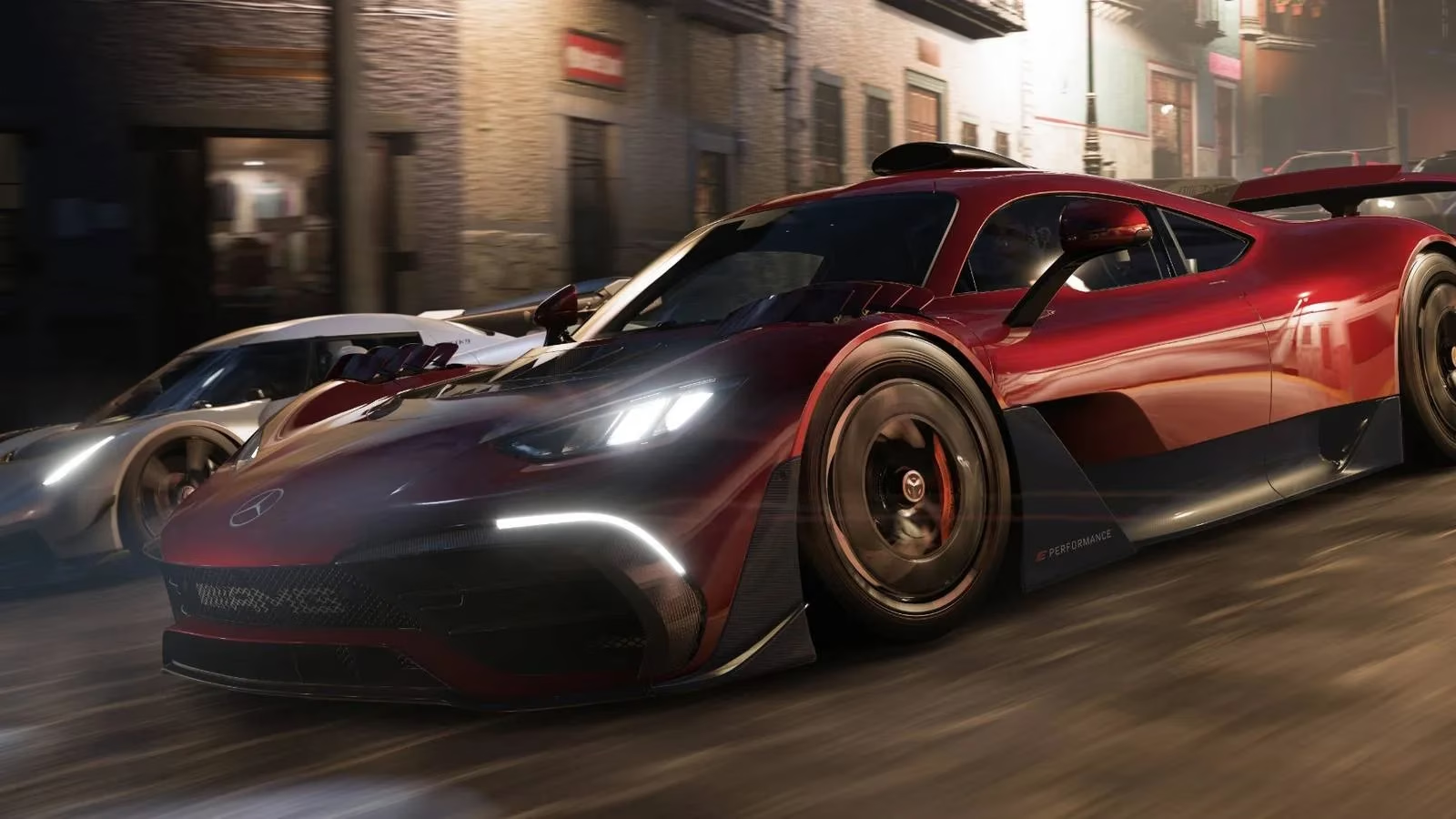
Seriously, the level of immersion this adds is next-level. It’s one of those features that, once you see it, you can’t go back.
🚀 Performance Boost Galore: DLSS & FSR 2 to the Rescue
Now, all that ray tracing sounds amazing, but what about performance? Don't worry, the update has you covered with state-of-the-art upscaling technology. This is where you'll likely see the biggest frame rate gains.
Here’s your new toolkit in the Video Options menu:
Under Resolution Scaling, you can now choose:
-
AMD FidelityFX CAS (Contrast Adaptive Sharpening) – Great for a simple sharpness boost.
-
AMD FSR 2 – AMD's super-smart temporal upscaling. It's fantastic for boosting frames while maintaining great image quality, especially on a wider range of hardware.
-
NVIDIA DLSS Super Resolution – NVIDIA's AI-powered magic. If you have an RTX card, this is often the best way to reclaim performance lost to demanding settings like the new ray tracing.
And under Anti-Aliasing, you have more choices than ever:
| Option | Best For |
|---|---|
| TAA | A solid, traditional temporal solution. |
| NVIDIA DLAA | AI-powered anti-aliasing for the ultimate image quality when you have frames to spare. It uses the DLSS AI network but at native resolution. |
| FXAA | A fast, post-process option with minimal performance hit. |
| MSAA | The classic multi-sample method. |
The addition of DLAA is a particularly nice touch for those with powerful systems who want the cleanest image possible without any upscaling.
🛠️ A Fresh, Customizable Settings Menu
Playground Games mentioned they've "refreshed the Video options to allow further customization." This is so important! A cluttered or confusing settings menu can be a real pain. It sounds like they've streamlined it, making it easier to find and tweak exactly what you need. Whether you're a set-it-and-forget-it player or a hardcore tuner who loves to squeeze out every last frame, the new layout should make the process much smoother.
💭 My Final Thoughts & Hype
As someone who plays in 2026, keeping a game like Forza Horizon 5 looking and feeling fresh years after launch is incredible. This update shows a real commitment to the PC community. The combination of cutting-edge visual enhancements (Extreme ray tracing!) with smart performance solutions (DLSS/FSR 2) means there's something here for everyone.
-
Got a beastly rig? Crank ray tracing to Extreme and enable DLAA for a pristine, photorealistic experience.
-
Playing on a mid-range system? Use the Ultra ray tracing preset with DLSS or FSR 2 Quality mode to get beautiful reflections and buttery smooth frame rates.
-
All about competitive frames? Maybe skip ray tracing, but FSR 2 or DLSS Performance mode can give you a huge competitive edge in races.
It's all about choice and customization, which is what PC gaming is all about. I can't wait to dive in, test all the new combinations, and share my optimal settings guide with you all. The horizon has never looked better! 🌅
P.S. Remember, this update is coming to both the Microsoft Store and Steam versions. Time to get those downloads ready!
Discussion